Mobile Apps for iOS & Android - Built to Ship
Cross-platform apps with React Native and Flutter, or native iOS/Android when you need maximum performance. From MVP to App Store launch.
- Typical timeline
- 4-12 weeks
- Typical investment
- $25,000 – $50,000
Who This Is For
Mobile apps bridge the gap between your service and your users' daily lives. I deliver production-ready mobile experiences — cross-platform or native — with App Store compliance built in.
- ✓Startups building mobile-first products for consumer or B2B markets
- ✓Businesses extending existing web platforms to iOS and Android
- ✓Founders who need cross-platform apps without maintaining two codebases
- ✓Agencies delivering mobile apps for clients under tight deadlines
- ✓Companies replacing outdated native apps with modern cross-platform solutions
Who This Isn't For
- ✗Simple mobile-friendly websites — a responsive web app may be more cost-effective
- ✗Hyper-casual games or AR/VR applications — those require specialized game development skills
- ✗Projects without a clear backend or API strategy — mobile apps need a data layer to function
- ✗One-time prototype experiments without plans for App Store deployment
Development Process
From idea to deployment. Each phase has clear deliverables so you always know where we stand.
Platform Strategy & Architecture
Week 1
We decide: cross-platform (Flutter/React Native) or native (Swift/Kotlin). I recommend based on your specific needs — not just what I prefer building.
Design & Prototype
Week 1-2
Mobile-first UI/UX design, navigation flows, and interactive prototype. You see how the app feels before any code is written — on actual device mockups.
Cross-Platform Development
Week 2-8
I build for iOS and Android simultaneously from a single Flutter or React Native codebase. Weekly builds with TestFlight and internal testing track.
App Store Launch
Week 8-10
Full App Store and Google Play submission support. I handle technical requirements, screenshots, metadata, and the review process — including health app compliance if applicable.
What's Included in Every Project
Every mobile app development project ships with these core components pre-architected.
Cross-Platform Codebase
Flutter or React Native — one codebase for iOS and Android. Shared business logic with platform-specific UI where needed.
Offline-First Architecture
Works without connectivity. Local data syncs to the cloud when the connection is restored — users never lose progress.
Push Notifications
Firebase Cloud Messaging (FCM) for Android and APNs for iOS. Targeted, scheduled, and behavior-triggered notifications.
Authentication & User Management
Email/password, Google, Apple Sign-In, or custom auth. Biometric authentication (Face ID, fingerprint) supported.
In-App Purchases & Subscriptions
App Store and Play Store billing integration with receipt validation, entitlement management, and cross-platform sync.
App Store Compliance
Privacy policies, health app documentation, data handling disclosures, and metadata optimized for both app stores.
Why Custom Mobile Apps Beat No-Code Builders
FlutterFlow, Adalo, and Bubble are great for quick prototypes. But when you need offline support, App Store compliance, real-time sync, and custom business logic — custom development is the only way.
Offline-First, Not Offline-Never
No-code platforms rely on constant connectivity. Custom apps store data locally, sync reliably, and work in airplane mode — critical for health tracking, field work, and travel.
App Store Approval Guaranteed
No-code apps frequently get rejected for performance, privacy policy gaps, and substandard UX. I build to App Store guidelines from day one — including HealthKit, camera, and location permissions.
No Platform Lock-In
Your code is yours. Switch to a different developer, add features, or repurpose the code for a web app — you control the roadmap.
Real Performance, Not WebViews
No-code mobile apps are often just webviews in an app shell — slow and unresponsive. Flutter and React Native compile to native code with 60fps animations.
Custom Integrations, No Limits
BLE devices, custom hardware, complex animations, real-time audio/video — no-code platforms hit walls. Custom development handles anything.
Custom Mobile App vs No-Code Builders
FlutterFlow, Adalo, and Bubble let you prototype fast. But production mobile apps need offline support, App Store compliance, and native performance that no-code platforms cannot deliver.
| Custom Development | No-Code Mobile Builders | |
|---|---|---|
| Offline support | Full offline-first with local storage and sync | Limited or no offline capability |
| App Store compliance | Built to guidelines from day one | Frequent rejections for UX/performance |
| Native performance | 60fps, native compilation (Flutter/RN) | Webviews, slow, high battery drain |
| Custom animations & UI | Pixel-perfect, any design | Template-driven, limited customization |
| BLE / hardware integration | Full native API access | Not supported |
| Real-time sync | Firebase, WebSocket, custom solutions | Platform-dependent, limited |
| Source code ownership | 100% yours | Locked into the builder platform |
| Scaling to 100K+ users | Optimized data layer, pagination, caching | Platform limits, expensive scaling |
| Timeline to MVP | 4-8 weeks | 1-3 weeks |
| Long-term cost | Lower — no platform fees per user | Higher — per-user pricing at scale |
Built a prototype on FlutterFlow or Adalo and ready for production? I migrate no-code apps to production-grade Flutter or React Native.
Discuss Your Mobile AppReal-World Experience
I've built cross-platform mobile apps with Flutter for HealthTech (PeptiSync with offline injection tracking, real-time sync, and subscription management) and Restaurant SaaS (ProfitPlate Android app). Every app I build is architected for App Store compliance, optimized for battery life, and tested on real devices.
What You'll Receive
Every project ships with these deliverables — no add-ons, no surprises.
Cross-platform app from a single Flutter or React Native codebase with native performance on both platforms.
Full submission support including metadata, screenshots, privacy policies, and compliance documentation.
Connected to your existing backend or a new API. REST, GraphQL, or Firebase — whatever fits your architecture.
Firebase Cloud Messaging and Apple Push Notification service. Targeted, scheduled, and behavior-triggered.
Email, Google, Apple Sign-In, or custom auth with biometric support (Face ID, fingerprint).
Local storage with background sync. The app works without connectivity and syncs when online.
2 weeks of post-launch support including bug fixes, performance monitoring, and App Store update submissions.
Tech Stack Rationale
Every technology is chosen for a reason — not just because it is popular.
Flutter / Dart
Best-in-class cross-platform framework with native compilation, 60fps animations, and a single codebase for iOS, Android, and web. Dart's null safety eliminates null reference exceptions at compile time.
React Native / Expo
Ideal when you already have a React web app — share types, utilities, and business logic between web and mobile. Expo simplifies deployment and OTA updates.
Firebase
Authentication, Firestore database, cloud functions, push notifications, and analytics — all in one platform. Scales from prototype to millions of users without server management.
SQLite / Hive (Local Storage)
Offline-first architecture requires reliable local storage. SQLite for complex relational data, Hive for fast key-value storage. Both sync with remote databases seamlessly.
Stripe / RevenueCat
Stripe for web-based payments, RevenueCat for in-app purchases and subscriptions across both app stores. Handles receipt validation, entitlement management, and cross-platform sync.
Common Mistakes to Avoid
I have seen the same patterns stall or kill promising projects. Here is what to avoid — and how I help you sidestep each one.
❌ Choosing cross-platform before understanding requirements
Fix: Cross-platform is not always the answer. If you need heavy camera processing, AR, or BLE hardware, native may be better. I help you decide.
❌ Ignoring offline support
Fix: Mobile users lose connectivity constantly. Build offline-first from the start — retrofitting offline support is expensive and error-prone.
❌ Skipping App Store preparation
Fix: App Store review takes 1-7 days and often requires revisions. I prepare all compliance documentation during development, not after.
❌ Building for both platforms asymmetrically
Fix: iOS and Android users expect the same quality. A single Flutter codebase guarantees feature parity with platform-specific polish where it matters.
❌ Over-engineering the backend
Fix: Firebase is sufficient for most mobile apps. Start with serverless, migrate to custom backend when you have paying users and specific infrastructure needs.
❌ Not testing on real devices
Fix: Simulators miss real-device issues: battery drain, thermal throttling, camera quality, and cellular latency. I test on physical iPhones and Android devices.
Frequently asked questions
React Native vs Flutter - which is better for my app?↓
Both are excellent. React Native is ideal if you already have a web app in React (shared code). Flutter is better for pixel-perfect custom UIs and slightly better performance. I recommend based on your project after a discovery call.
Can you submit to the App Store and Play Store?↓
Yes, full submission support is included. I handle all the technical requirements, screenshots, and review process.
Do you build native iOS or Android apps too?↓
Yes, Swift for iOS and Kotlin for Android when cross-platform does not fit the requirements.
How do you handle app updates after launch?↓
Post-launch support is included for 2 weeks. After that, I offer monthly maintenance retainers for updates, bug fixes, and new features.
Can you integrate with our existing backend?↓
Yes. I can connect your mobile app to any REST or GraphQL API, Firebase backend, or custom server infrastructure.
Related case studies
See how I built and launched production mobile apps: PeptiSync (cross-platform health app with offline injection tracking, real-time sync, and App Store + Play Store launch) and ProfitPlate (Android app for restaurant cost calculations with SEO-first web companion).
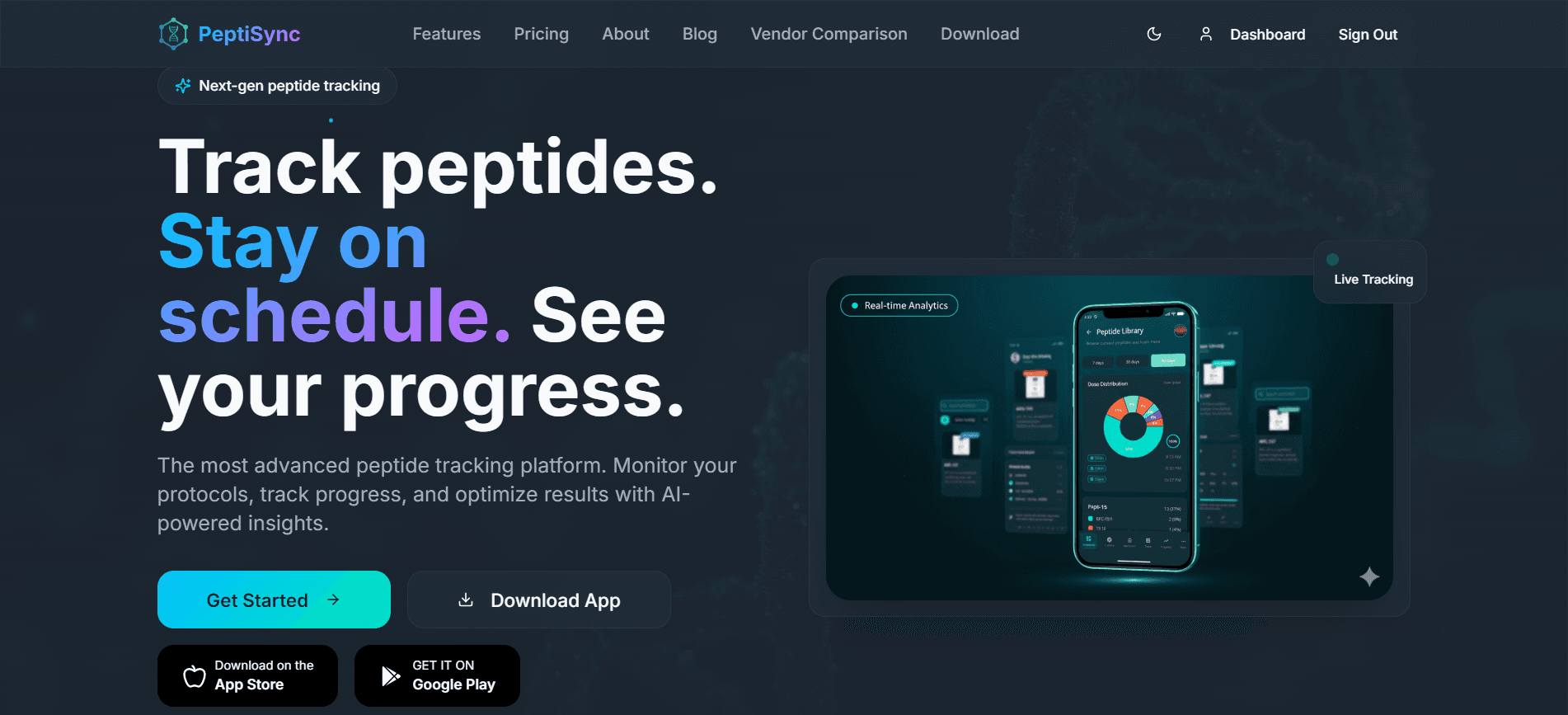
HealthTech / Wellness
PeptiSync
A production-grade HealthTech SaaS platform for peptide therapy management with cross-platform mobile apps and real-time vendor price comparison. Built with Flutter, Firebase, and Next.js.
View case study →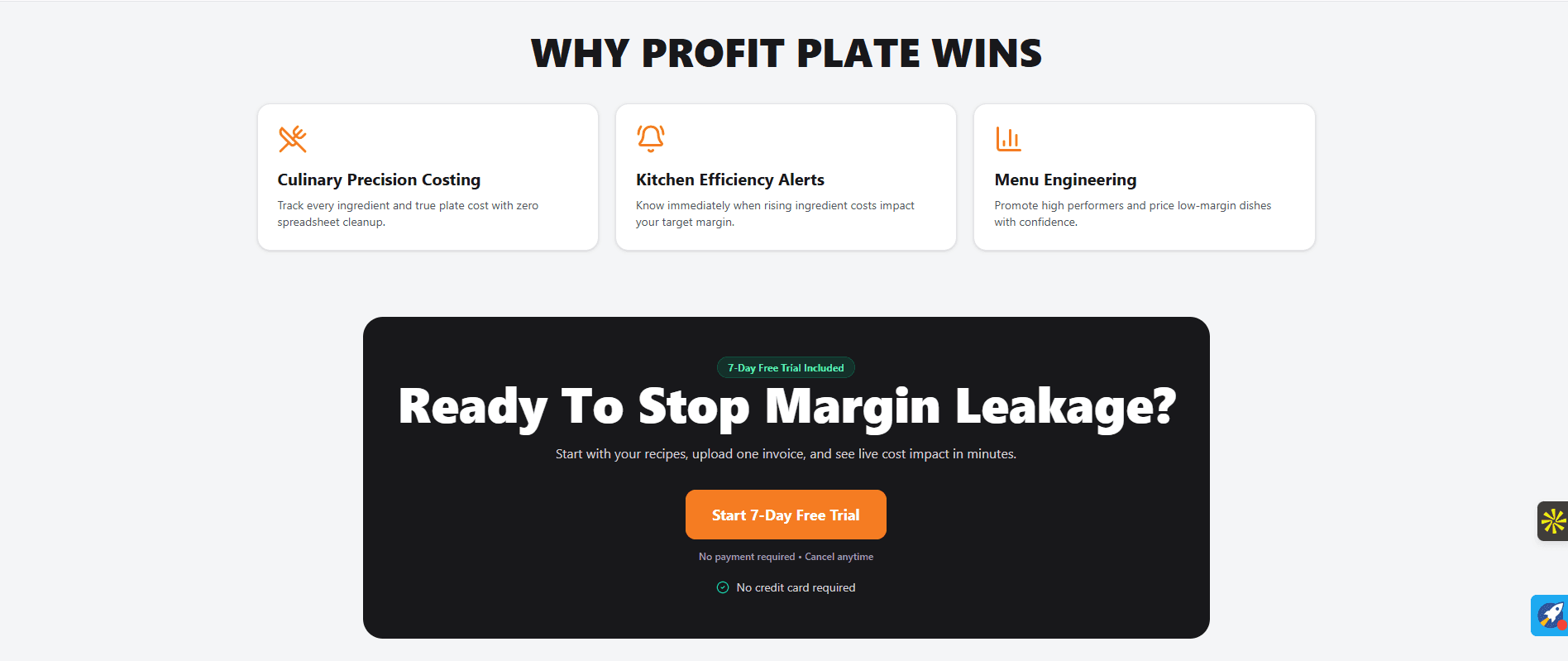
Restaurant Technology / SaaS
ProfitPlate
Designed and built a restaurant profitability platform combining business calculators, technical SEO, and a production-ready web and Android application for smarter pricing decisions.
View case study →From the Blog
Deep dives into mobile app development — written while building real products.
Offline-First Mobile Apps: Architecture Guide
How to build mobile apps that work without connectivity and sync reliably when back online.
Read article →Publishing Health Apps on the App Store
Everything I learned about App Store compliance, HealthKit integration, and privacy documentation for health-related mobile apps.
Read article →Build Your Mobile Ecosystem
A successful mobile app development needs more than just one solution. These complementary services help you go further.
Web App Development
Build or extend your mobile app with a companion web dashboard — same backend, shared auth, and cross-platform data sync.
View service →SaaS Development
Add subscription billing, admin dashboards, and multi-tenant architecture to power your mobile app's business model.
View service →API & Backend Development
Custom backend APIs and microservices for mobile apps that need more than Firebase can provide.
View service →Resources & Tools
Use these free tools and guides to plan your mobile app development project before we talk.
Project Cost Calculator
Get a realistic estimate for your project based on platforms, features, and complexity.
Estimate your project →SaaS MVP Planning Wizard
Answer a few questions and get a personalised planning report with actionable next steps.
Start planning →Founder Resource Library
Comparison guides, checklists, and templates to help you make better technical decisions.
Browse resources →Related services
Ready to get started?
Tell me about your mobile app development project and I will get back to you within 4 hours with an honest assessment and a quote. You can also book a call if that is easier for your team.